
Open the join link
On your phone, open KinPella and tap Join a game — or follow the host's link, which fills the code in for you.
✦ How it works
KinPella needs no downloads, no accounts and no special hardware. If a screen can open a web page, it can be the game board — and every phone in the room is already a controller.
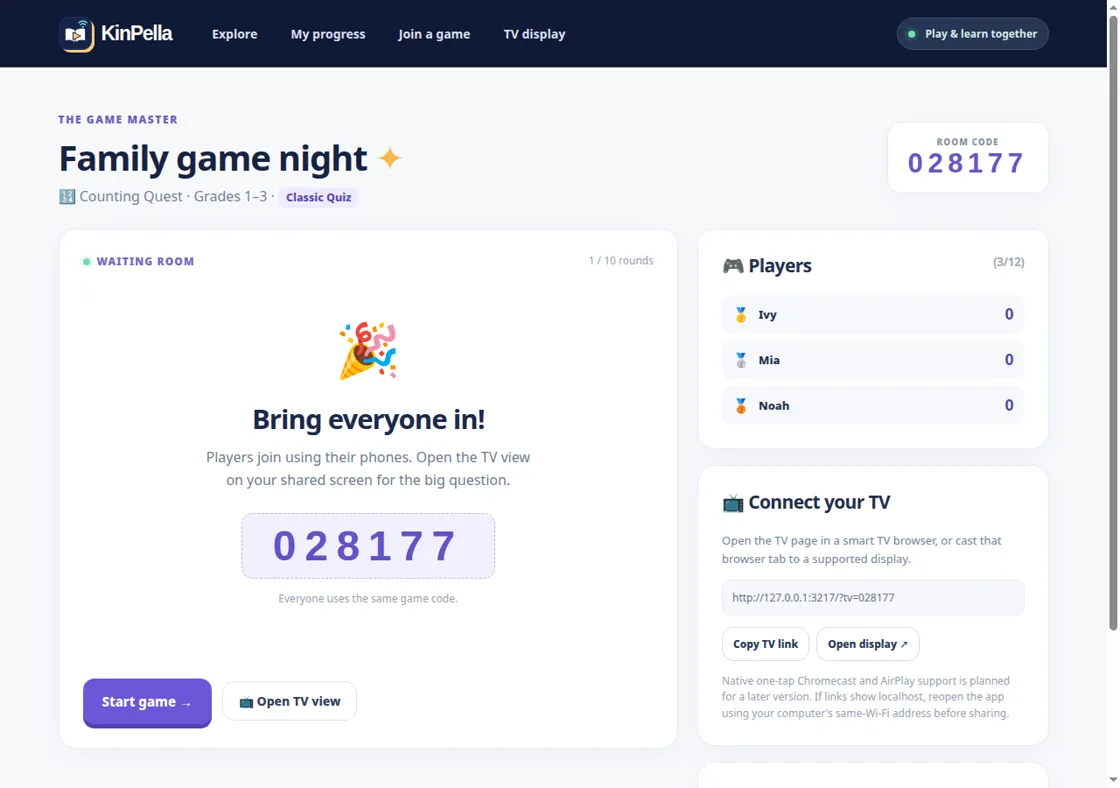
On your phone, open KinPella and tap Join a game — or follow the host's link, which fills the code in for you.
Enter the six-digit code from the TV and a nickname. No account, no password, no profile — the name exists only inside that room.
Questions appear on the TV; your A/B/C/D buttons are on your phone. Your answer is private until the reveal — nobody can copy, and nobody is put on the spot.
The TV screen is a read-only game board with big, readable type: the question, the four answers, the countdown, who's answered, and the standings. Open it on the host device, or on any smart TV browser using the TV link from the host screen. When a game ends, the TV shows the full recap — every question, the correct answer, and why.
The original race. Everyone answers on their own phone, fastest correct answers score most, and every reveal comes with the explanation — so the game itself teaches.
Sun versus Moon. Players are balanced onto two teams and points roll up into team totals, so a great answer from the youngest player can win it for everyone.
The whole group against one shared boss. Every correct answer deals damage, individual scores are never shown, and the family or class wins together — built for younger children.
Lightning language rounds. Fifteen seconds a question, big speed bonuses, Spanish and French packs only. Pure vocabulary adrenaline.
Points are calculated on the server, never on a player's phone: 100 points for a correct answer, plus 5 points per second left on the clock (10 per second in Word Duel). Answers are never sent to any screen before the reveal, scores stay hidden until answers lock in, and in Co-op Boss Battle individual scores are not shown at all.
Hosts can switch off the countdown for any game. With no-timer on, a question stays open until every player has answered or the host reveals it, and correct answers earn a flat 100 points. It changes the whole feel — thoughtful players stop being punished for thinking — and it is the recommended setting for younger children, mixed-ability groups, and anyone who finds countdowns stressful.
Open KinPella on the TV or laptop, share the six-digit code, and every phone in the room becomes a controller. No sign-up. No downloads. No ads.